
Acceleration
2 STICKS CROSS START
Exciting news: this tutorial is now on our app, app.speedu.ca - members already have full access. From January 1, 2027 it's only on the app. Open it in the app >
Checking your membership…
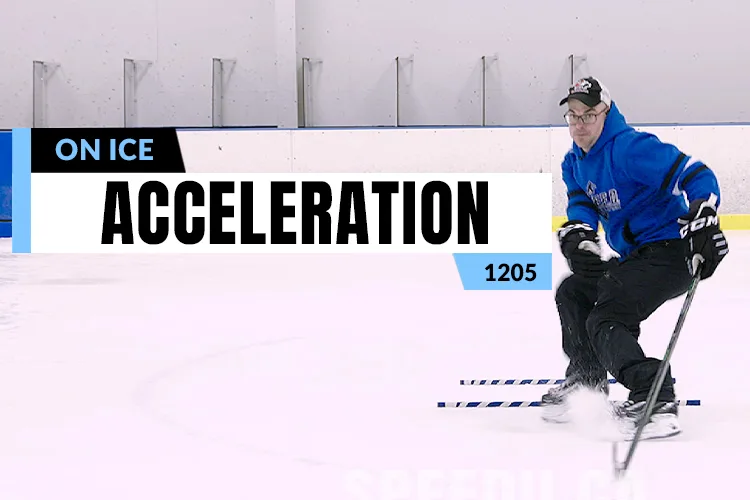
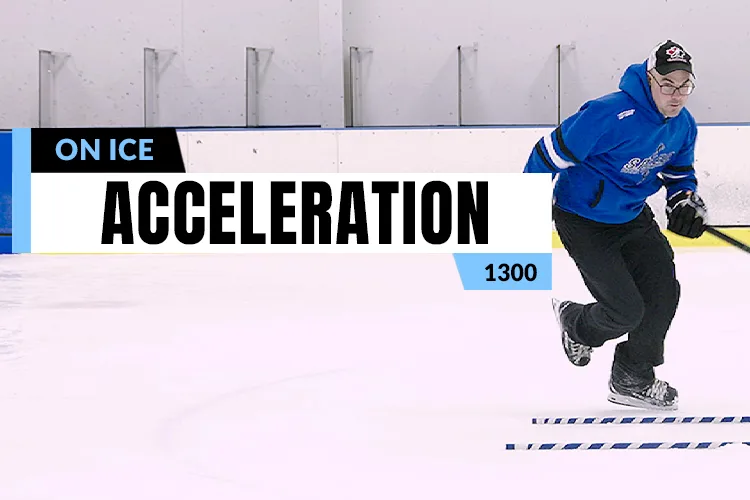
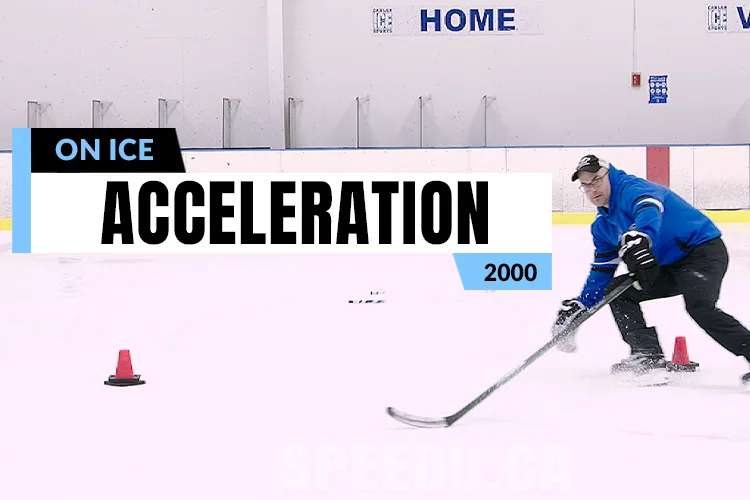
Once you have worked on your "Puddle Jumps," "Trampoline Jumps" and "Double Trampoline Jumps," and feel that you are getting sufficient power and depth from each of these exercises, you can progress to the "2 Sticks Crossover Start" to further refine your acceleration from a stationary position. The "2 Sticks Crossover Start" specifically allows you to analyze whether you are making efficient contact with the ice and not "leaking energy." It is important that the "foot prints" you make in the ice prior to the first stick, and in between the 2 sticks, are about the size of the ball of your foot and noticeably deeper than a normal stride mark. These two things ensure that you are springing off the ball of your foot. The sticks also make sure that you grip the ice and do not glide, as gliding will lead to skating into and knocking the sticks. Lastly, the "2 Sticks Crossover Start" allows you a quantitative measure of how much you are reaching. For example, when completing the drill, you can practice by increasing the distance away from the sticks while still making proper marks on the ice. Once you get a good handle on accelerating through the "2 Sticks," be sure to incorporate these concepts into other game situations where you are stopping and accelerating!
NHL example
Drills that use this
Filed under
- Acceleration